

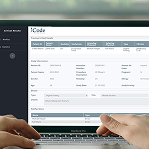
Radiology Teaching Files
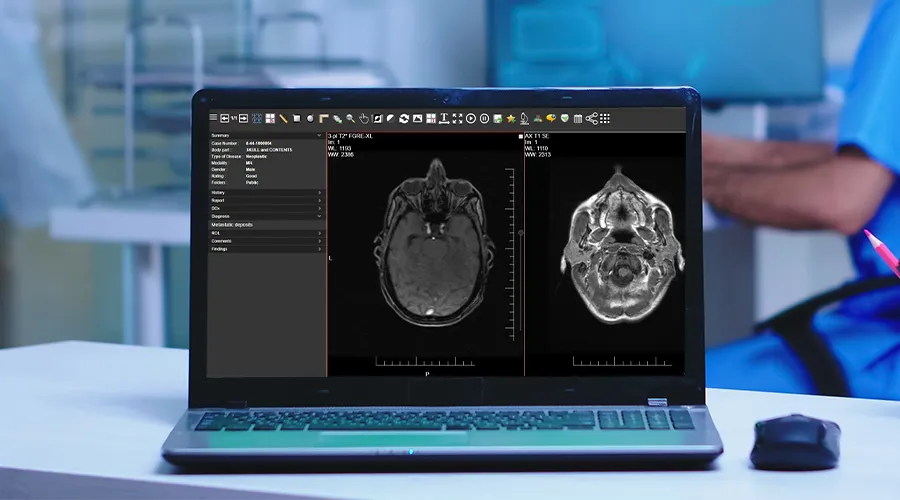
Radiology teaching files are powerful tools for radiologists. They allow the archiving of interesting cases to ensure important findings are not missed while also enhancing diagnostic skills.
These teaching files serve multiple purposes, whether it’s for educating radiology students, discussing cases with colleagues, contributing to the medical community, or keeping up with effective e-learning methods for radiology.
What Are Teaching Files?
Radiology teaching files are collections of clinical cases with teaching value.
These files provide real examples of radiology cases that may help with teaching purposes, whether for radiologists or radiology students.
Generally, radiology education relies on studying and referencing previous patient cases but storage, accessibility, and shareability with students can present challenges. Additionally, studies should be anonymised.
So, radiology teaching files can serve several purposes, such as:
- To ensure important findings are not missed.
- Archiving cases for clinical follow-up.
- As a reference for better understanding diseases.
- Facilitating secure Knowledge transfer and assessment.
- Enabling quick retrieval of anonymised patient cases.
Structure Of Radiology Teaching Files
Radiology teaching files are organised to make them easy for learners to navigate and understand. Each case typically includes:
- Patient information: This Includes the patient’s age, gender, medical history, and symptoms.
- Imaging studies: X-rays, CT scans, MRIs, or ultrasounds are often presented in multiple views to better understand the cases.
- Annotations and labels: Key areas of the image are often highlighted to direct the learners to a significant finding.
- Diagnosis and discussion: A detailed explanation of the diagnosis, including why certain findings on the images led to that conclusion.
- Teaching points: Summary points that highlight important lessons from the case.
Teaching Files Types
Teaching files can be divided into three types:
1. Personal Teaching Files
Personal teaching files are for individual use. The owner may have an interest in a very specific case for quality control, reviewing his work, teaching, or clinical follow-up.
2. Shared In-House Teaching Files
Personal teaching files can be migrated into a shared teaching file environment. Additional information can be added to make the case available for colleagues to view and learn from.
3. Public Teaching Files
They are built on a shared teaching files model but contain more comprehensive content. They may undergo a formal review before publication and sometimes require a subscription fee.
Teaching File Case Types
Teaching file case types include:
1. Cardiac
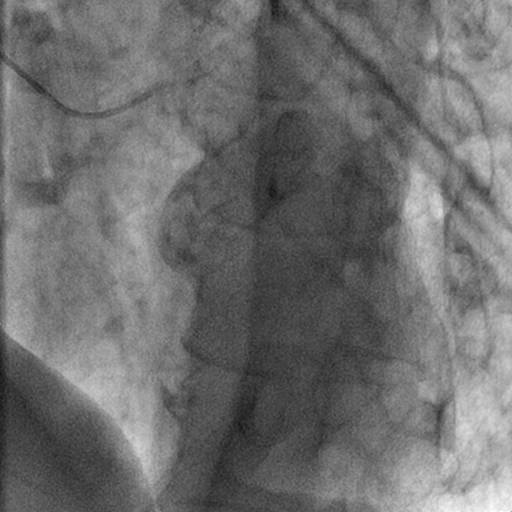
Cardiac teaching files focus on heart-related cases and cardiovascular conditions. They include imaging for:
- coronary artery disease
- congenital heart anomalies
- heart failure
- valvular diseases
- others
Radiologists can use these files for better understanding of heart structure and function. Files can be also helpful for assessment of cardiac conditions.
2. Chest
Chest teaching files cover diseases of the chest, such as:
- pneumonia.
- chest tumors.
- interstitial lung diseases.
- pleural abnormalities.
They help radiologists enhance their skills in chest cases.
3. Gastrointestinal
Gastrointestinal teaching files focus on the digestive system including the esophagus, stomach, intestines, liver, pancreas, and biliary system.
They include cases of various gastrointestinal diseases, such as:
- Liver diseases
- Colorectal cancers
- pancreatitis
- bowel obstruction
Radiologists can archive these teaching files for educational purposes or to enhance their skills.
4. Genitourinary
These files focus on the urinary and reproductive systems. Files can include:
- Renal cell carcinoma
- Polycystic kidney disease
- Urinary tract infections
- Urinary stones
- Hydronephrosis
- Ovarian masses
These files help radiologists assess urological structure and functions and improve their experience in the diagnosis of urinary tract masses and pathologies.
5. Interventional
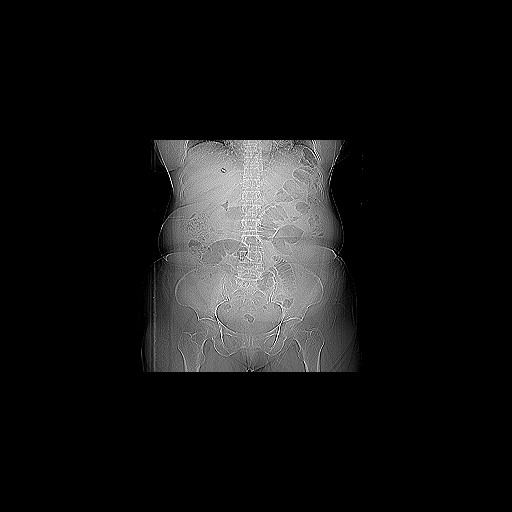
Interventional teaching files include some procedures, such as:
- Biopsies
- Catheter placements
- Angioplasty
- Tumor ablation
These cases help radiologists learn more about the procedures and improve patient management skills.
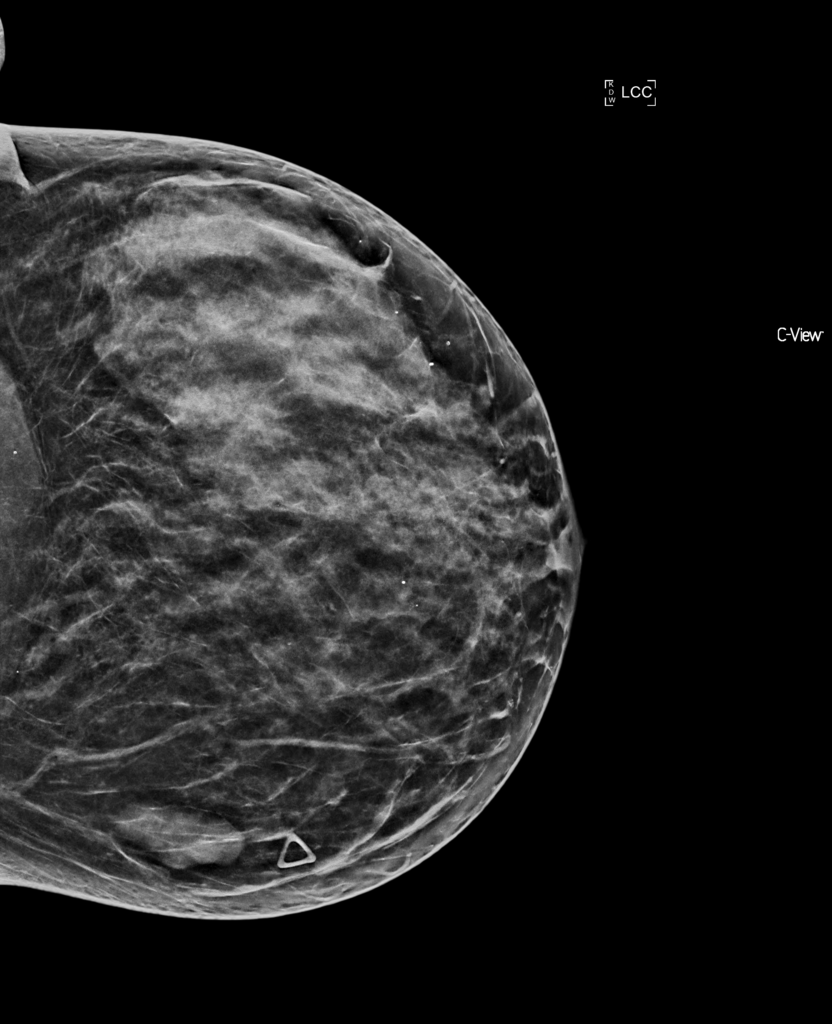
6. Mammography
Mammography files specialise in breast imaging cases, such as:
- Breast tumors
- Fibrocystic changes
- Breast cysts
- Ductal carcinoma in situ
Radiologists can gain valuable experience in breast cases through mammography teaching files.
7. Musculoskeletal
Musculoskeletal teaching files focus on improving radiologist’s skills in recognising bone and soft tissue abnormalities, such as:
- Osteoarthritis
- Soft tissue tumors
- Fractures
- Bone tumors
- Sports-related injuries
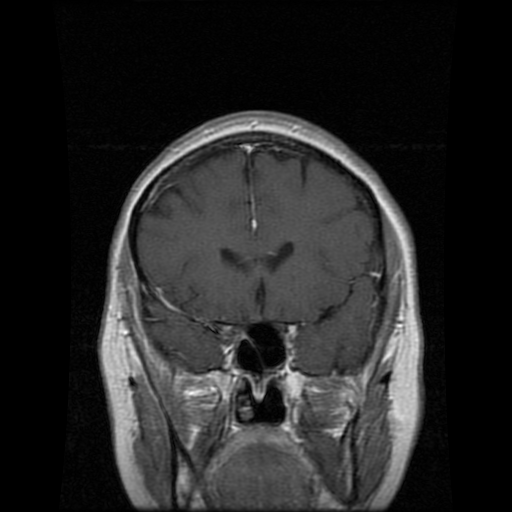
8. Neuroradiology
Neuroradiology files guide radiologists in recognising brain abnormalities and how to differentiate normal from abnormal brain or nervous structure. They cover cases, such as:
- Stroke
- Brain tumors
- Multiple Sclerosis
- Traumatic brain injuries
9. Nuclear Medicine
These files cover radiotracer use, interpretation of uptake patterns, and correlation with clinical scenarios. They provide cases like:
- Thyroid nodules
- Bone metastases
- Neuroendocrine tumors
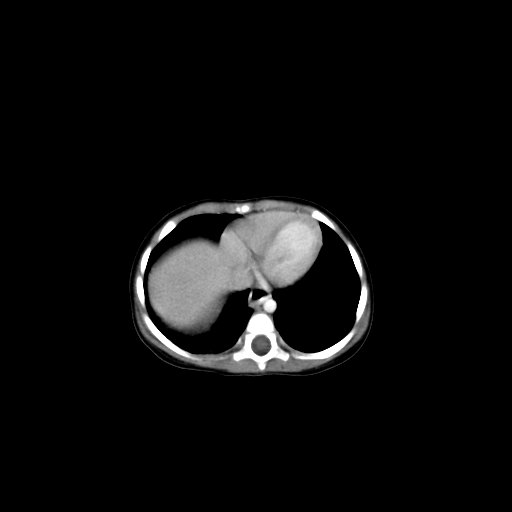
10. Pediatrics
Pediatric files train radiologists to recognise specific conditions in children. Pediatric cases often include:
- Rickets
- Congenital malformations
- Neuroblastoma
- Pediatric trauma
- Respiratory conditions
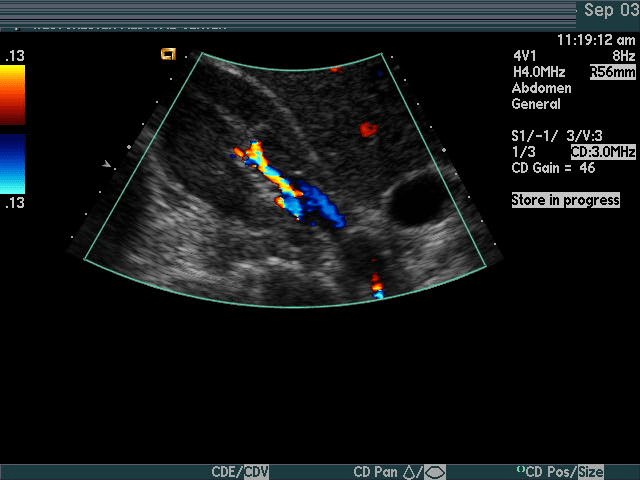
11. Ultrasound
Ultrasound case studies are essential for helping radiologists identify numerous conditions and enhance their diagnostic skills. They may include cases on:
- Gallstones
- Liver disease
- Obstetric and gynecologic conditions
- Thyroid nodules
- Abdominal conditions
- Vascular conditions
For details on big data, check out our post on What is big data and how can it help the healthcare industry?
Why Traditional Radiology Teaching Files Fail
Before the emergence of modern digital solutions, radiology teaching files were created manually, which was very burdensome for those responsible. Under the pressure of daily work, the radiologist finds himself facing many obstacles, most notably the time consumed in accurately collecting and documenting cases, which makes the matter very exhausting and time-consuming.
Doctors also faced a major problem, which was privacy risks. Reliance on traditional storage via personal devices or discs exposes patient data to danger and puts the institution at risk of violating laws and regulations such as GDPR. Furthermore, the primitive method means that important educational cases remain stored with certain individuals, without being available to the rest of the team, which makes the process of learning and exchanging expertise difficult.
How Do Radiology Teaching Files Contribute to Quality Assurance and Peer Learning?
The importance of radiology teaching files is not limited only to their educational role; they represent a pivotal element in enhancing quality assurance and the professional development process within the radiology department. They provide an ideal alternative to traditional peer review in radiology methodologies, which focus on monitoring errors and the idea of punishment. During the review of difficult cases or those where doctors differed, each case transformed into a challenge and an opportunity to improve collective performance and share expertise to unify diagnostic standards within the department.
How to Choose the Ideal Digital Solution for Radiology Teaching Files in Your Department?
When adopting a new digital system, radiology department managers should evaluate the available options that comply with clear standards consistent with modern work requirements. These questions can be used before selection:
Does the system integrate directly with the PACS?
Integration with the healthcare PACS soulutions system must be done easily, enabling us to import cases with one click without the need to copy or manually duplicate the data.
How strong is the DICOM file anonymisation mechanism?
The system must have an automatic capability to remove all patient data from the DICOM file header, in addition to the ability to clean any information “burned in” the image itself, to ensure complete preservation of privacy.
read more: How to Choose the Best DICOM Anonymiser for Medical Imaging
Does the system support multi-access and secure sharing?
The system is preferably web-based, allowing multiple users to work on the teaching library at the same time, while providing precise authorisations to control who is allowed to view or edit the file.
What are the search and classification capabilities?
The system must provide advanced search tools based on keywords and organisational charts, which facilitates quick access to the required cases, improving the organisation of the search process.
Does the system support multimedia and attachments?
It is very important that the system allows the upload of additional files such as pathology reports, videos, presentations, or any materials that support the file’s topic, in order to enhance the educational value of the cases.
Importance Of Teaching Files For Radiologists
Radiologists may be advised to build their teaching files for the following reasons:
1. Increase Your Expertise
Establishing teaching files encourages radiologists to engage with cases on a deeper level.
It fosters critical thinking in analysing images, making accurate diagnoses, and explaining findings.
This process sharpens diagnostic skills and enhances a radiologist’s level of experience.
2. Education Purposes
Radiology teaching files enrich the medical community by providing real and often interesting cases. This helps medical students, radiologists, and colleagues. Importantly, difficult cases recorded in teaching files will be more easily diagnosed in the future.
3. Self-Learning And Review
Teaching files are not only for the broader medical community but can also serve as a valuable personal learning resource. Having cases documented allows radiologists to review challenging cases, rare pathologies, or those with subtle findings.
Where Can Reference Teaching File Libraries Be Found?
In addition to creating an internal library specific to the hospital’s radiology department, radiologists can access many public libraries full of educational cases. Major societies such as ESR and RSNA provide a large collection of online educational cases, in addition to open academic platforms that publish examples of rare cases reviewed by experts in the field.
iCode Teaching Files
iCode Teaching Files is a web teaching files solution that helps radiologists archive their interesting studies and build imaging libraries according to ACR standards.
It archives interesting cases on a separate server with a separate database. You can keep the radiology teaching archive safe when the PACS vendor is changed.
Examples of iCode teaching files features include:
- Easy file search and retrieval
- Robust data anonymisation
- Ability to export studies with several media files, such as presentations, videos, JPEG, TIFF & DICOM..etc
- Manage teaching events easily with a streamlined workflow and lectures bank to enhance learning
- Building scalable teaching archive across specific region or country.
iCode Teaching Files Radiology Exam System
The iCode Teaching File Solution is revolutionising radiology education with its comprehensive exam module, designed to enhance both teaching and learning.
This system assists radiologists in creating radiology exams for their students. The exam module in iCode Teaching Files allows radiologists to craft multiple-choice questions (MCQs) based on archived medical images.
It also enables educators to share quiz links with their students, allowing them to take exams directly through the teaching files system.
With detailed analytics and instant feedback, both learners and educators can track progress and identify areas for improvement, ultimately elevating the quality of training.
iCode offers a rich set of features tailored to meet your educational needs, enabling you to archive cases quickly and effortlessly. Additionally, its comprehensive exam module supports and enhances the educational process.
The Future of Teaching Files in Radiology
The future of radiology teaching files is moving towards smarter systems thanks to Artificial Intelligence and cloud computing. AI-enabled systems will be able to analyse daily PACS studies and suggest rare cases, saving time and providing rich educational materials for doctors. Cloud solutions also provide wide cooperation between hospitals and university departments to create shared educational libraries that can be used after patient anonymisation as important sources for developing AI algorithms.
In summary, the Radiology Teaching Files at Rosenfield Health offer a rich, practical resource for radiologists and radiology trainees alike, blending real-world cases with expert insights to enhance diagnostic skills and clinical confidence. By exploring a wide range of imaging findings and diagnostic challenges, users gain not only deeper understanding of individual cases but also the ability to apply learned principles to new scenarios. Whether you’re reinforcing foundational concepts or advancing toward subspecialty expertise, these teaching files serve as a highly effective tool in radiologic education—and a gateway to elevated patient care.
Ready to Learn More?
👉 Click here to contact us at Rosenfield Health and explore personalised learning opportunities, case discussions, and radiology education programs in Untied Kingdom.
FAQs
1. What are radiology teaching files?
Radiology teaching files are curated collections of real clinical cases used for learning, skill enhancement, and knowledge sharing among radiologists and students.
2. Why are teaching files important in radiology?
They help radiologists refine diagnostic skills, review rare cases, and support continuous learning through accessible and anonymised case archives.
3. What are the types of radiology teaching files?
There are three types: personal teaching files, shared in-house files for colleagues, and public teaching files for wider educational access.
4. How does iCode Teaching Files support radiologists?
iCode Teaching Files provides a secure platform to archive, search, and share anonymised cases, and even create radiology exams with real imaging data.
5. Can teaching files improve radiology education?
Yes, they offer real-world examples for students and professionals, making complex diagnoses easier to understand and improving clinical decision-making.
6. What makes a case a good teaching case in radiology?
The clearest educational concept contained within the teaching case is what makes the case good for teaching, not just the rarity of the case itself. The case might also be an atypical presentation of a common disease, or an example of a recurring diagnostic error that can be learned from.
7. How are DICOM images correctly anonymised for a teaching file?
The anonymisation process occurs through two basic steps: cleaning the DICOM header by removing or modifying tags containing patient identification data, or examining the pixels to ensure the image does not contain information burned into it, and removing this data if found.
8. Can resident radiologists build their own teaching files?
Yes, as this is an essential part of their professional training. Building a personal teaching file helps organise important cases, review the diagnostic challenges for each case, and enhance the doctors' analytical skills.
